
Lately, I have been talking to ChatGPT a lot while training. In a 30–60 minute session, I can work through current projects, plans, implementation options, and the wording of new tasks.
After the latest updates, these conversations feel much more natural. At times, it genuinely feels like talking to another person: I can interrupt, clarify a thought, and gradually turn a rough idea into a practical plan.
The problem came afterward. I needed the complete session text, but ordinary copying sometimes captured only part of an answer. Long ChatGPT pages are virtualized, so text that is not currently visible may be temporarily absent from the DOM. In one of my conversations, a long response was also split across two elements, while only the first reached the clipboard.
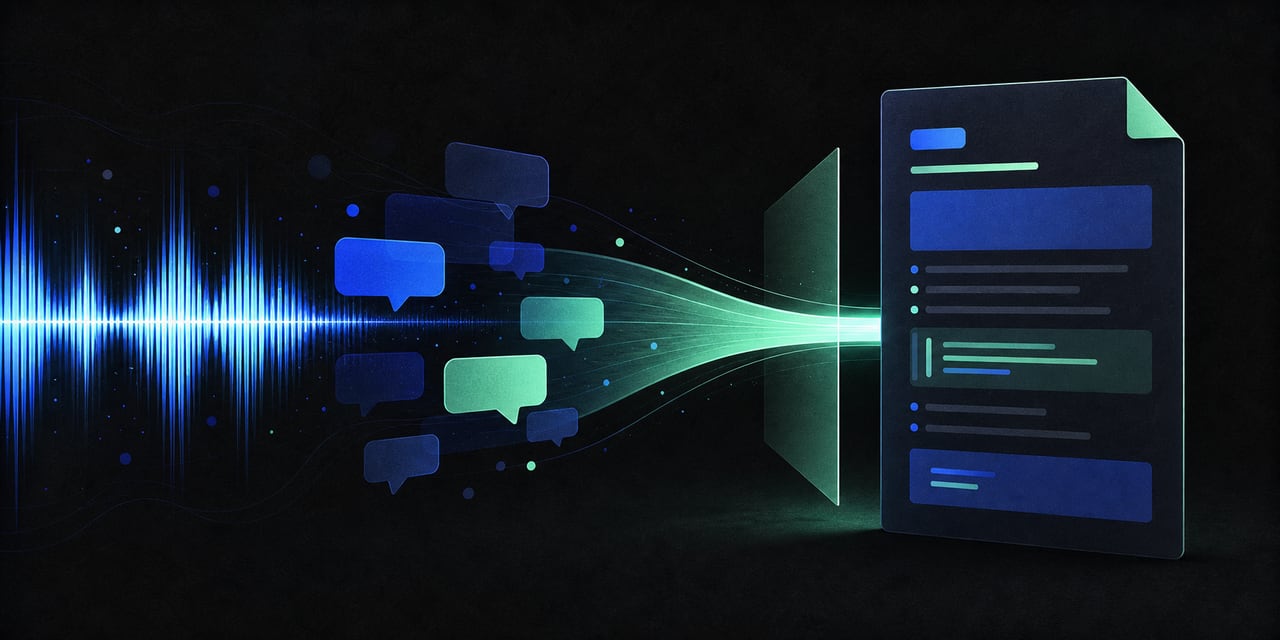
That is why I built Conversation to Markdown. The extension smoothly scrolls through the entire conversation, collects user and ChatGPT messages by role, joins split response segments, and copies the result to the clipboard as clean Markdown.
I then send that file to Codex. It breaks the conversation into concrete tasks and adds them to a backlog for agents to implement. Ideas that do not need immediate action can be retained in the knowledge base for later.
The best part is that Codex helped me write the extension itself. The result is a simple loop: ChatGPT helps me think through a project by voice, the extension preserves the result, and Codex turns the conversation into work.
The project is open source under the MIT License. If you also need to save long ChatGPT conversations without losing paragraphs, take the code and use it.